

Advanced Guide: Complex Game Development Process
1. "What does it take to make a game?"
If you ask someone, "Can you make games?" most people's first reaction is to shake their heads.
Because in the perception of many people, "making games" means complex engines, piles of code, and exquisite art, and ideally, a team.
But if we change the question:
When you were a kid, did you play rock-paper-scissors?
The answer is usually: Yes, I have.
And this matter is actually very close to the essence of the game .
2. "Rock! Paper! Scissors!"
There are no images, numerical values, or devices, but once it starts, everyone clearly knows what's going on: what you played, what the opponent played, and who won and who lost.
The reason it can be played repeatedly round after round is not because it's just "for fun," but because the rules themselves are clear enough .
There is a fact often overlooked behind this:
The game itself can be very simple, but the task of "explaining the game clearly" has never been easy.
Often, we feel that making games is difficult not because the gameplay is complex,
It was only when actually writing out these rules that one realized they had never seriously sorted them out.
1. What did Combos do here?
In Combos, you're not "inventing something that never existed".
What you've done is actually closer to:
Put into words the rules that already exist in your mind clearly.
One thing Combos excels at is: quickly turning the parts you've already thought through into a playable game.
But equally important is:
If the rules themselves are vague, Combos will only magnify this ambiguity, not make decisions for you.
This is also why, a game that seems very simple,
Instead, it most tests whether you have clearly thought about "what players are actually doing".
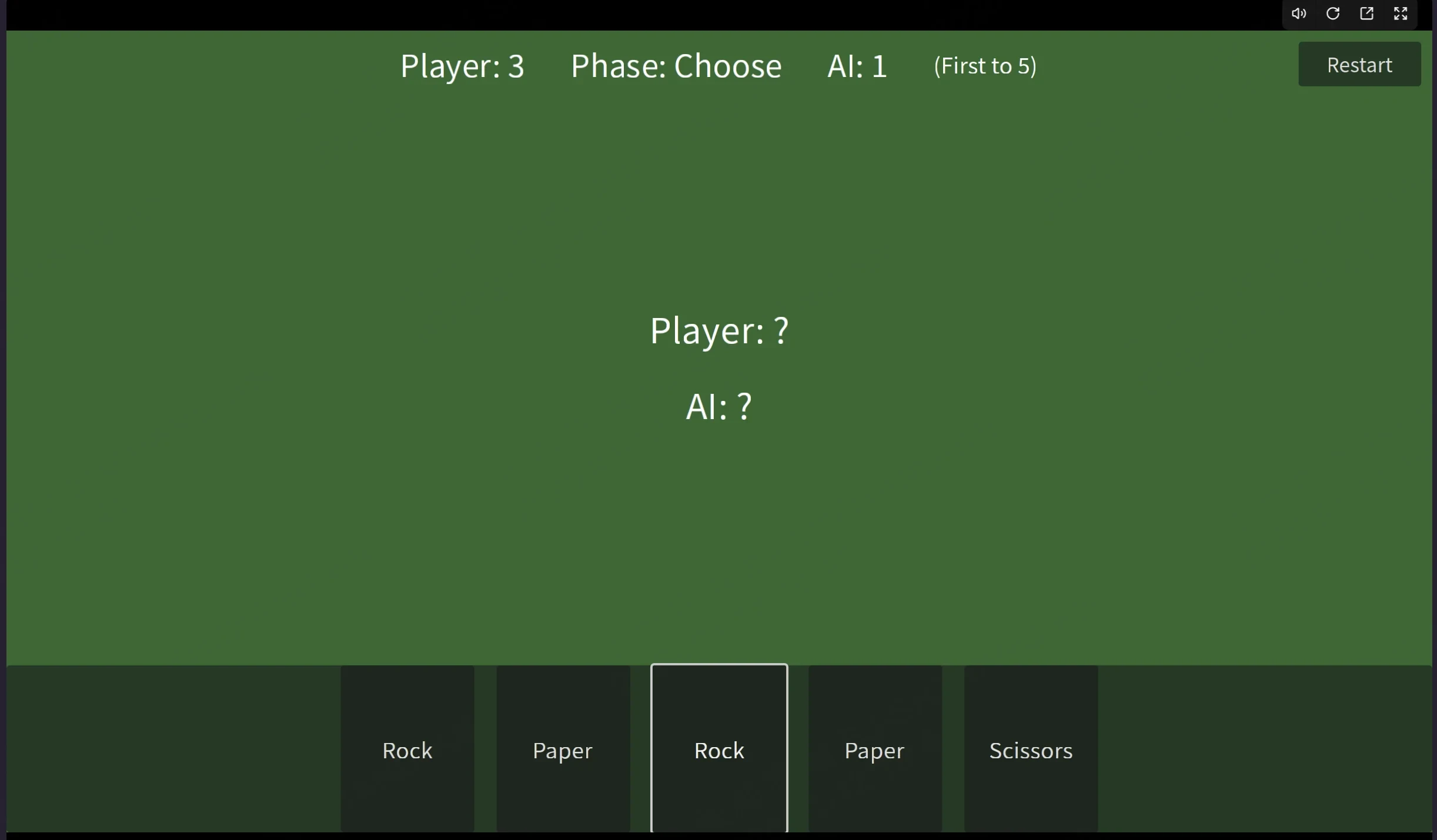
First Conversation Output - Gameplay v1 Interface
Create a playable turn-based rock-paper-scissors card game prototype using Godot (placeholder geometry is sufficient; no art assets required).

Core Rules:
- Each turn, the player selects and clicks 1 card from their hand (rock/paper/scissors).
- The AI randomly selects 1 card each turn.
- Display both players' chosen cards and determine the winner (following standard RPS rules).
- Scoring system: Player or AI wins a round +1 point; first to 5 points wins and triggers GameOver.
- Ties do not score.
- Include a Restart button to fully reset to initial state.

Interface and Placeholders:
- Use a green rectangle as the card table.
- Hand of 5 cards represented by rectangular buttons, with large text displaying Rock/Scissors/Paper.
- Central display area shows: Player's play/AI's play/Result.
- Top display shows: Player score/AI score/Current round phase (Select/Reveal/Result).

Engineering Requirements:
- Manage rounds with a clear state machine: Select -> Reveal -> Determine -> Resolution -> Selection.
- Prevent clicking hand cards outside selection phase to avoid duplicate plays.
- Maintain clear code structure: Card data structures, deck/hand/discard piles (initially simplified to randomly deal 5 cards per round).
- Deliverables: Complete Godot project structure + core scripts + configurable parameters (target score).
- Provide acceptance checklist and ensure successful verification.
2. A burst of inspiration
Suppose you no longer play cards randomly in each round, but instead:
- You want to have 6 cards, with the ratio of rock, paper, scissors being 1:1:1
- Each card has the shape of scissors, rock, or paper
- Some cards will be discarded after use
- The opponent has thinking time
- The screen starts to have UI, style, and feedback
On the surface, this is a "much more complex game".
But if you think about it carefully, you'll find that one thing has remained unchanged:
What the player actually does is still "which card to play this round".
All newly added content revolves around this core choice. It's not about adding whatever you want.
Instead, each layer of change, serves the same set of rules for victory and defeat .
This is also how most video games truly become complex:
It's not that suddenly a lot of systems have been added, but rather they are stacked layer by layer on a stable foundation.
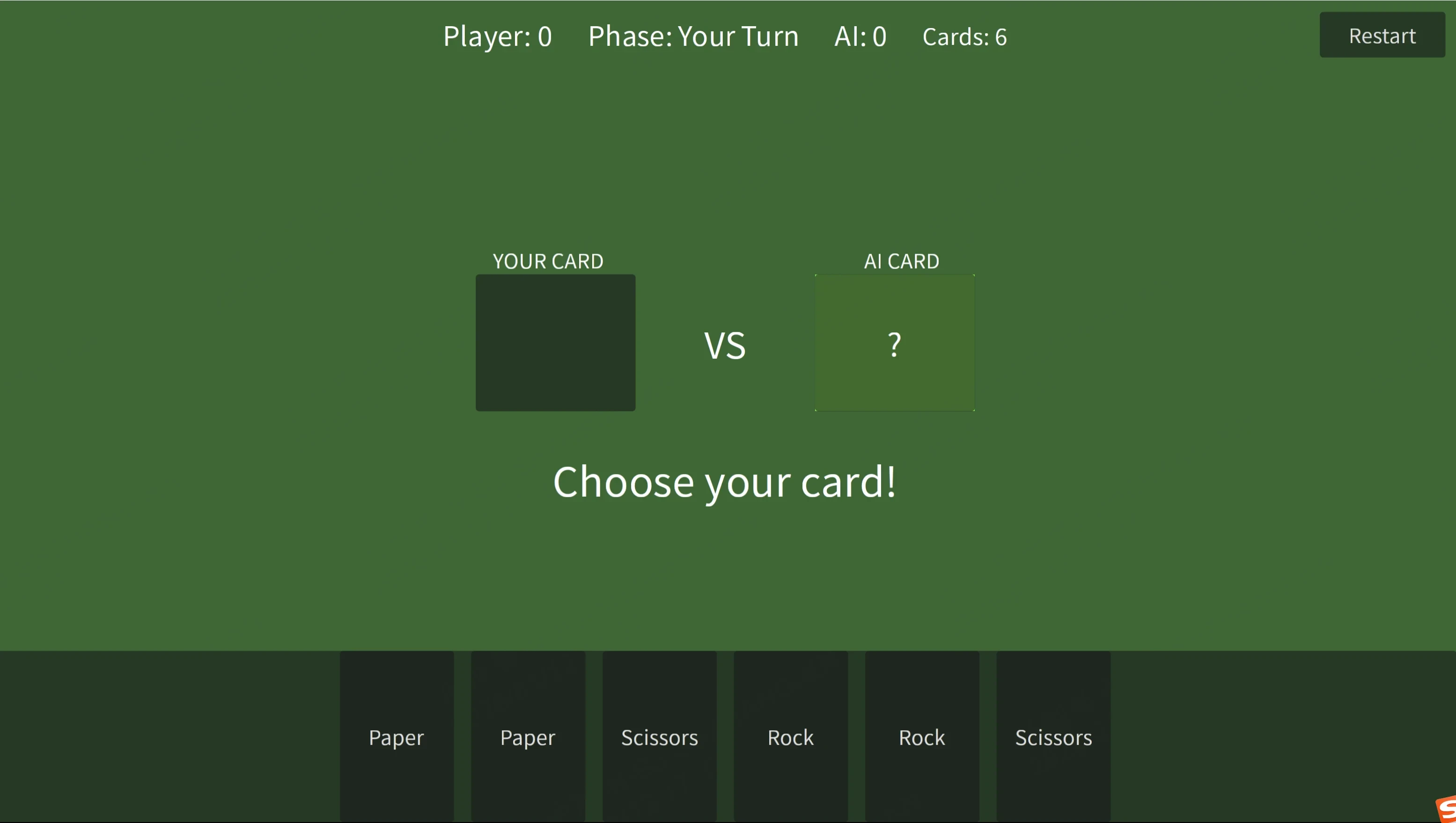
Output of the Second and Third Conversations - Gameplay v2
#Game Content Optimization#
#Requirement 1# I want both the AI and players to start with 6 cards: two Rock, two Scissors, and two Paper. After each round, played cards automatically fade/disappear, and only unused cards can be played.
#Requirement 2# Change the victory condition to: After all cards are played, the player with the highest score wins.
#Requirement 3# After a player selects a card, the game board should feature a dedicated slot displaying the player's played card. Similarly, a separate slot should show the AI's played card. After the game starts, the AI will play its card at 3 seconds. At this point, the player can only see a question mark card in the AI slot. Only after the player selects a card will the AI's actual card choice be revealed. Then, the winner is displayed.


#Requirement 4# Slot Display Optimization per Round - If the slot holds no played card, it appears as a rectangle with no question mark in the center. If the AI has played a card, the AI slot's edges glow green, and a question mark appears in the center. When the player's slot is empty, it appears as a rectangle with no question mark in the center. If the player plays a card: - If the player wins, the player's slot edge glows red (the AI slot's edge glow disappears). - If the player loses, the player's slot edge has no glow (the AI slot's edge glow turns red). Subsequent rounds follow the same rules.
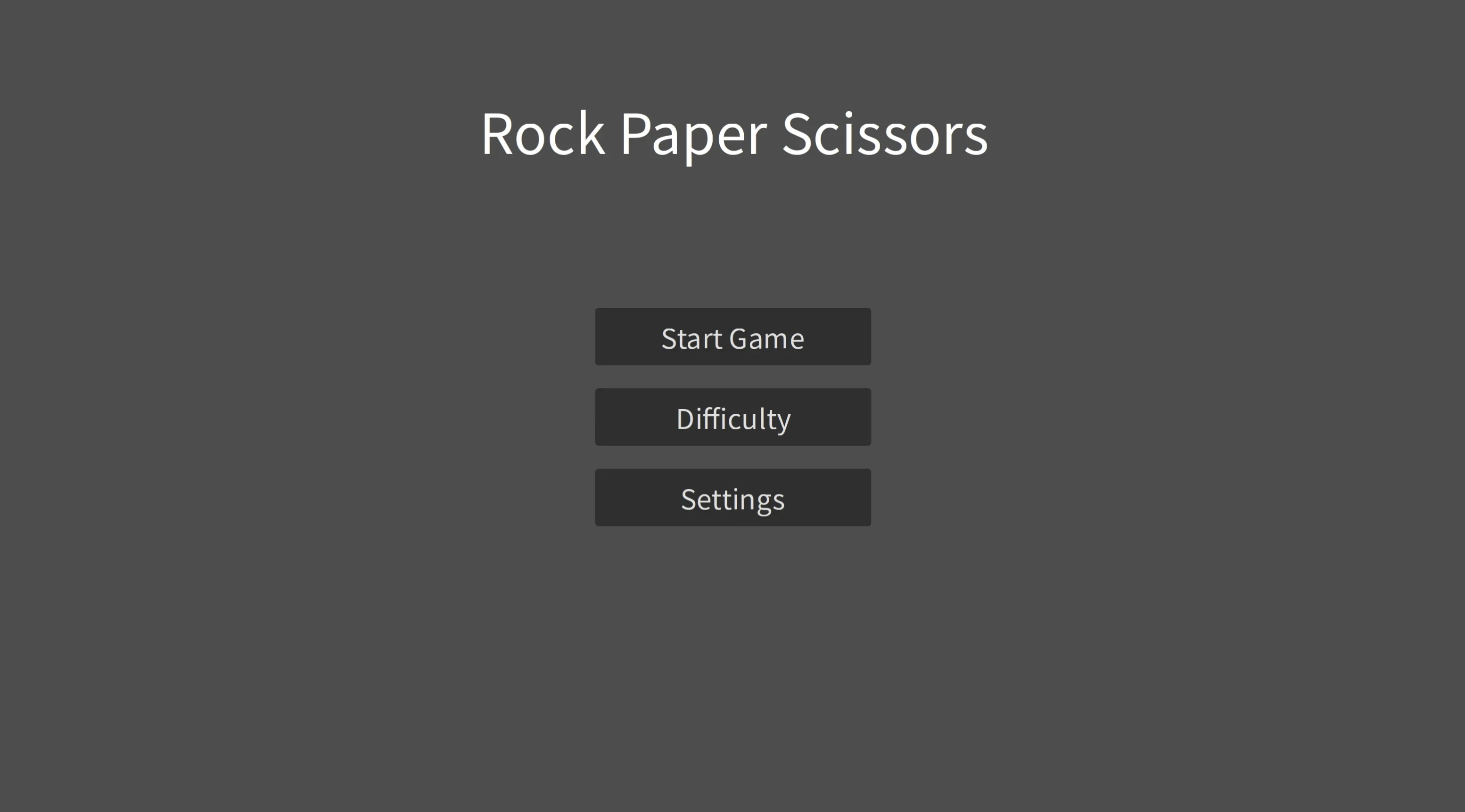
Output of the Fourth Dialogue -- Main Menu and Game Over Screen
Add Game Main Menu Page
1. Start Game Button (Click to enter game screen)
2. Difficulty Selection Button (Click to enter difficulty selection page: Beginner, Intermediate, Hell difficulty buttons and Return to Main Menu button - Currently only buttons and clicks are added, not linked to actual AI difficulty)
3. Settings Button (Click to enter settings page: Language, Volume, Return to Main Menu buttons - Currently supports English only for language; Volume adjusted via slider)
Add Game Over Page
1. Play Again Button (Click to enter game screen)
2. Return to Main Menu Button (Click to enter main menu page)
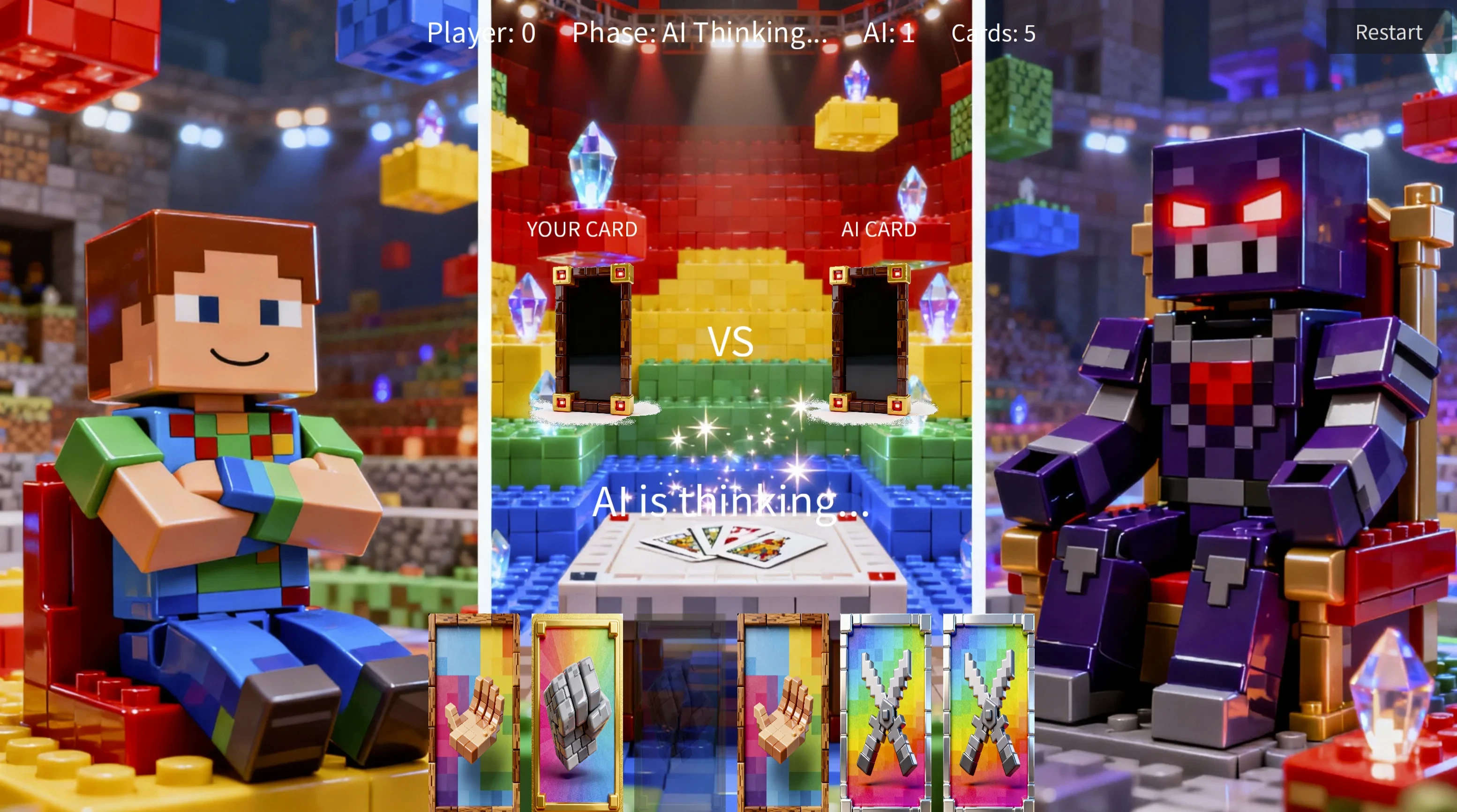
Output of the Fifth Dialogue - Stylized Game Creatives Generation
Add Game Assets
1. Main Menu, Gameplay, Game Over Screen Background Images
Requirements: Theme based on (Minecraft + Building Blocks) (Japanese “Cel-Shaded”) (Comic Style). The Main Menu image serves as a scene introduction. The left third of the Gameplay image shows the protagonist sitting on a chair with arms crossed. The right side features the BOSS seated on a chair. The Game Over Screen background image depicts the victory settlement scene.
2. Hand Card Assets
Requirements: Match poker card texture. Three card types display “Scissors,” “Rock,” and “Paper” patterns respectively.
3. Card Slot Assets
Requirements: Frame-like slot design. Selected cards should directly slot into the frame upon selection.
Place generated assets only in the Asset Library, not in the game. Await my review.
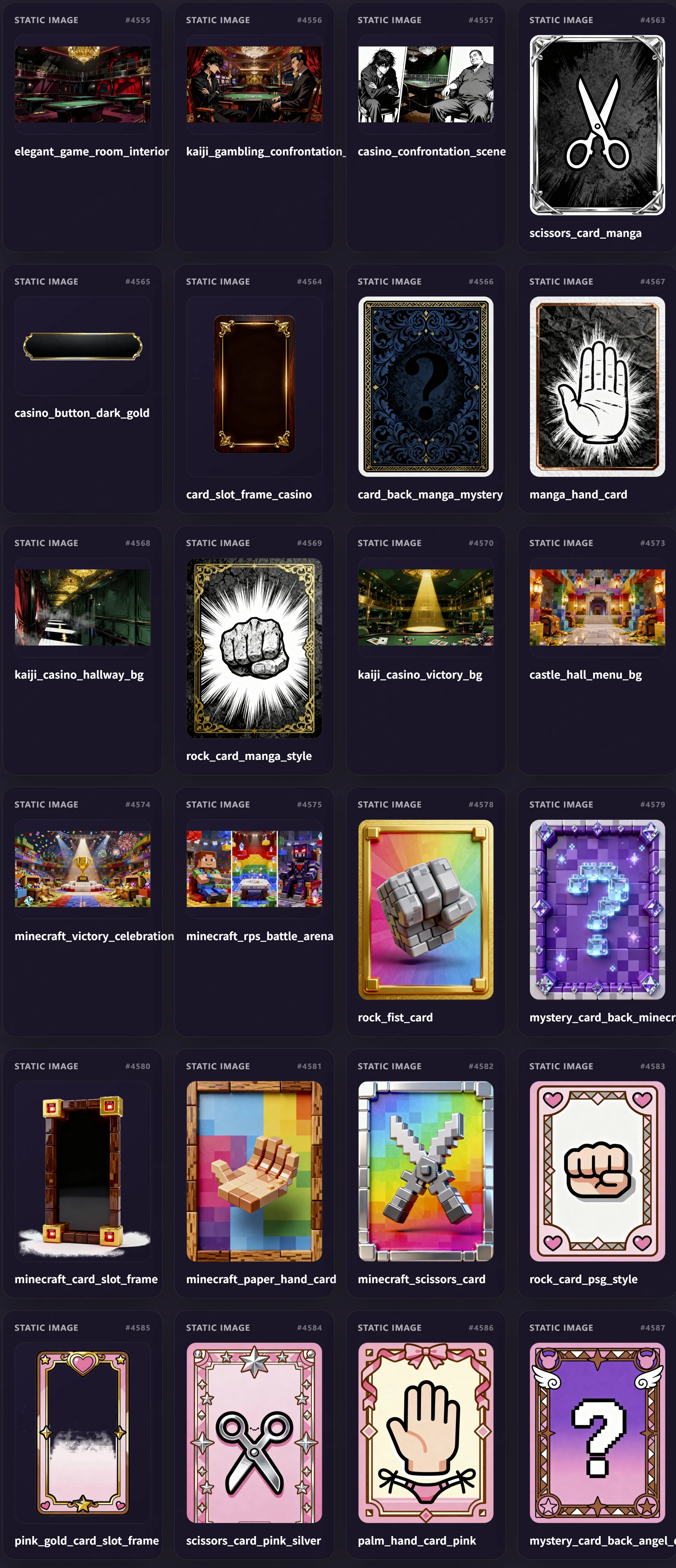
Sixth conversation content output - Obtained stylized versions 1, 2, 3.
1. Integrate (Japanese-style “celluloid”) assets into the game
2. Integrate (Minecraft + building blocks) assets into the game
3. Integrate (comic-style) assets into the game
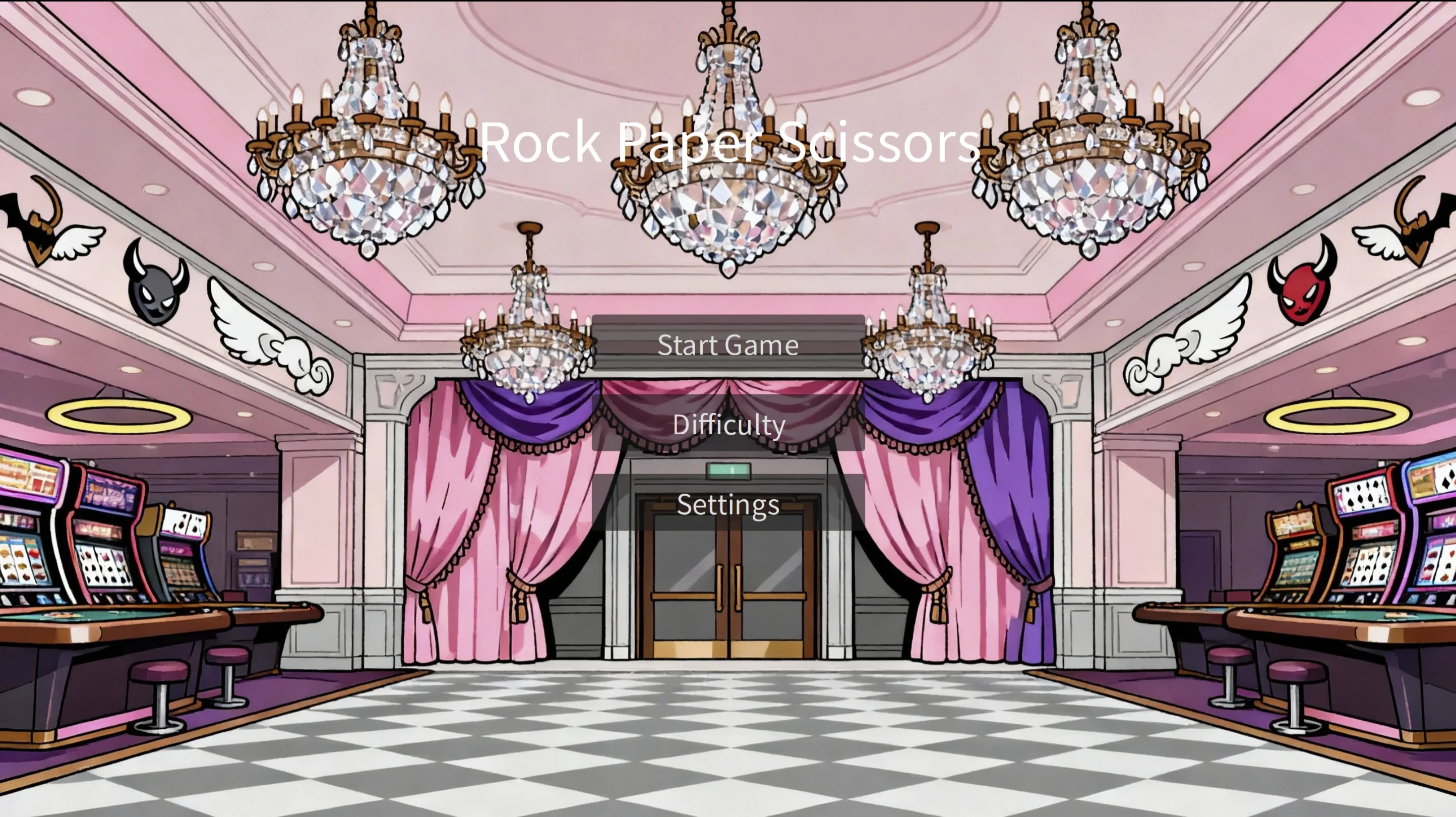
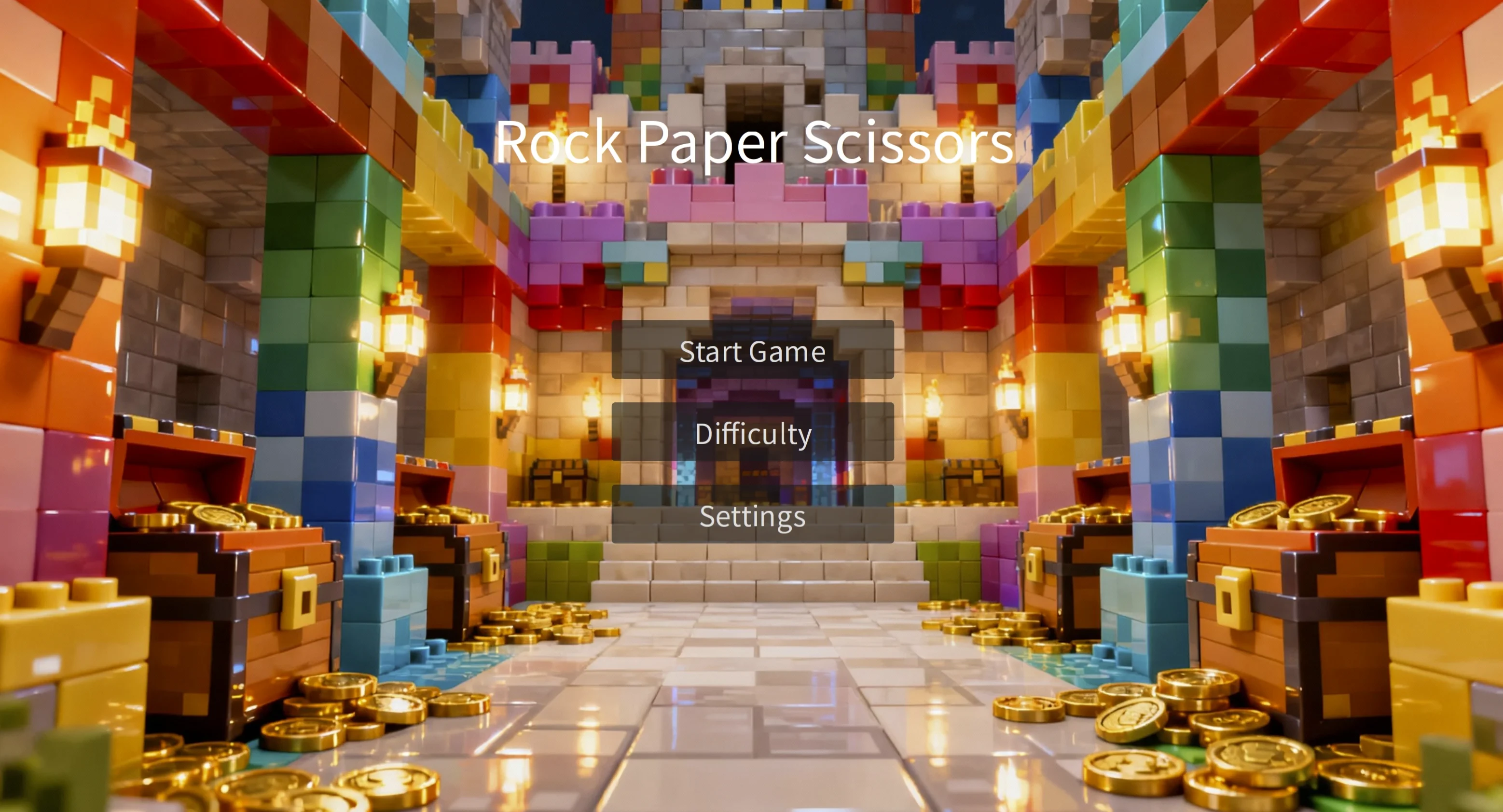
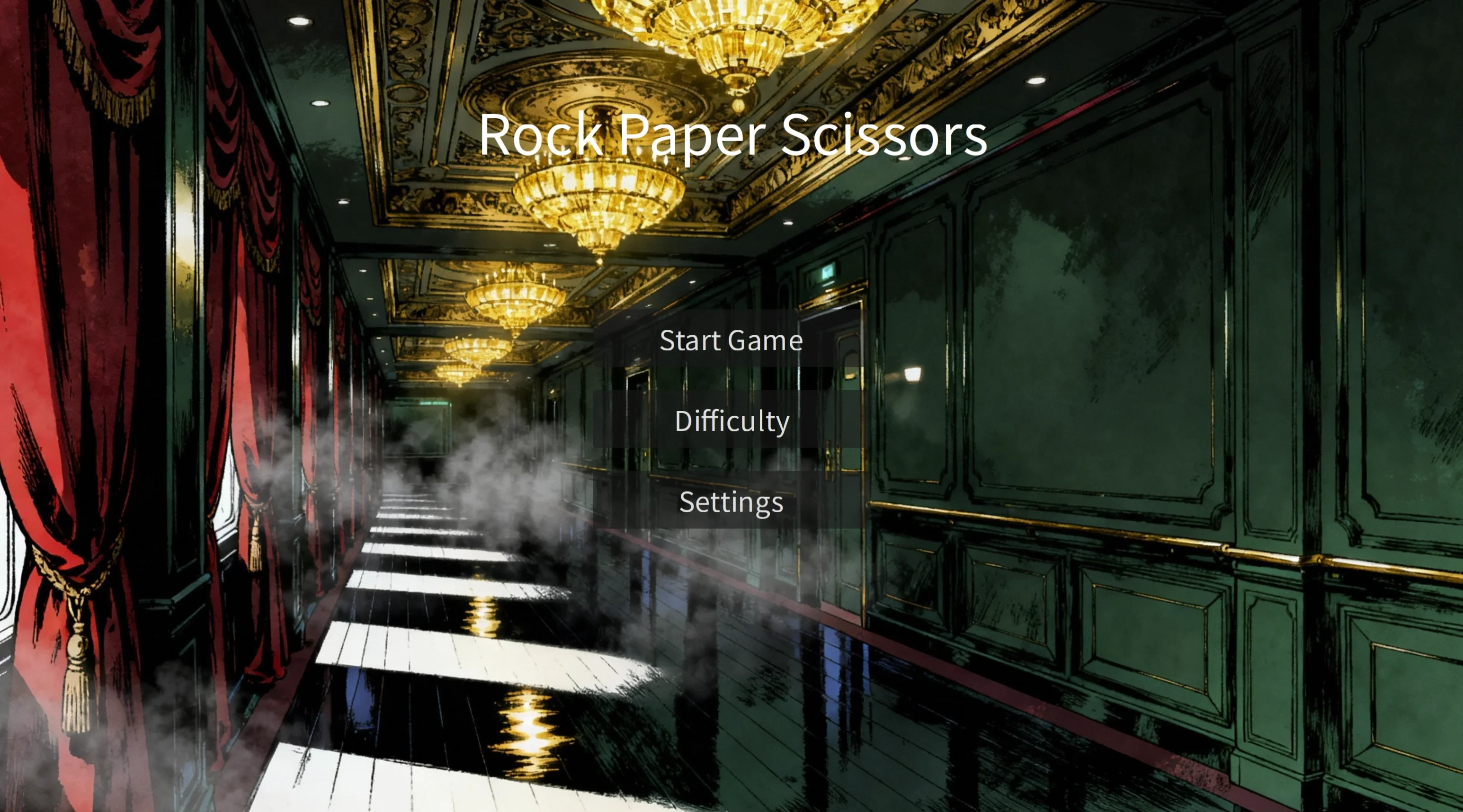
3. A journey of a thousand miles
By now, you may have already noticed:
Playing games has never started with "complexity".
It always starts with a very small problem:
What choices should I let the player make this round?
Everything else, whether it's the system, the screen, or the number of cards, is just the shape that gradually grows out of this choice.
This Rock Paper Scissors is, for the time being, Combos' Hello World! It's just a starting point.
The path is already there; how to proceed next depends on your ideas.
`